YouTube Thumbnail
Downloader
Paste any YouTube link and save its thumbnail in HD, up to 1280×720. Free, no login.
From the RealSave team
Stop downloading other people's Reels. Make your own.
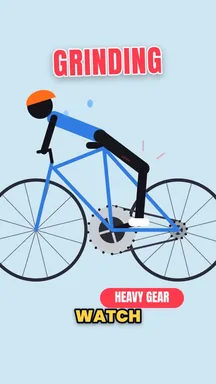
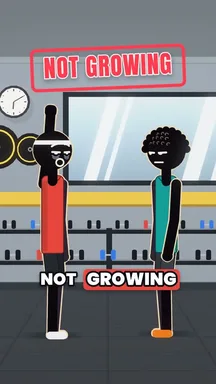
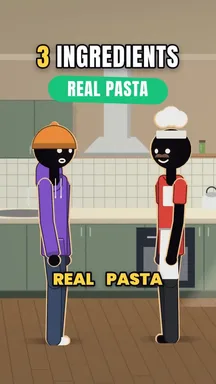
Videos like these, made with our faceless engine: Shorts, Reels, TikToks and long videos with animated characters and AI voices. Claude Code installs everything for you.
See the Starter kit, $19One-time payment. Requires Claude Pro.
How to download a YouTube thumbnail
- On YouTube, tap Share under the video (or Short) and choose Copy link.
- Paste the link above and tap Get thumbnails.
- Pick the size you want and tap Download.
Making your own thumbnails? Read our YouTube thumbnail CTR guide or try the free AI title generator.
Frequently asked questions
How do I download a YouTube thumbnail?
Copy the video link from YouTube (Share → Copy link), paste it in the box above and tap Get thumbnails. Pick a size and tap Download. It works with normal videos, Shorts, live streams and embed links.
What is the highest thumbnail resolution?
Usually 1280×720 (maxresdefault). Some older or low-resolution uploads don't have it, so the tool hides any size YouTube doesn't provide and shows the best one available.
Can I use someone else's thumbnail on my channel?
Thumbnails belong to the creators who made them and are protected by copyright. Use downloaded thumbnails for reference, study, or with the creator's permission. Don't re-upload them as your own.
Does it work on iPhone and Android?
Yes. It runs in any browser on iPhone, Android, Mac and Windows. On some phones the image opens in a new tab: press and hold it, then choose Save image.
Is the YouTube thumbnail downloader free?
Yes, free and without sign-up. Nothing is uploaded to our servers: the images come directly from YouTube's image server.
RealSave is not affiliated with YouTube or Google. Respect creators' rights and YouTube's Terms of Service.